Auto-Snipe
Auto-Snipe lets you define a rule per collection. When a listing matches, the Trading Wallet either notifies you or buys directly — no manual click.
Enterprise feature. Requires a configured Trading Wallet.
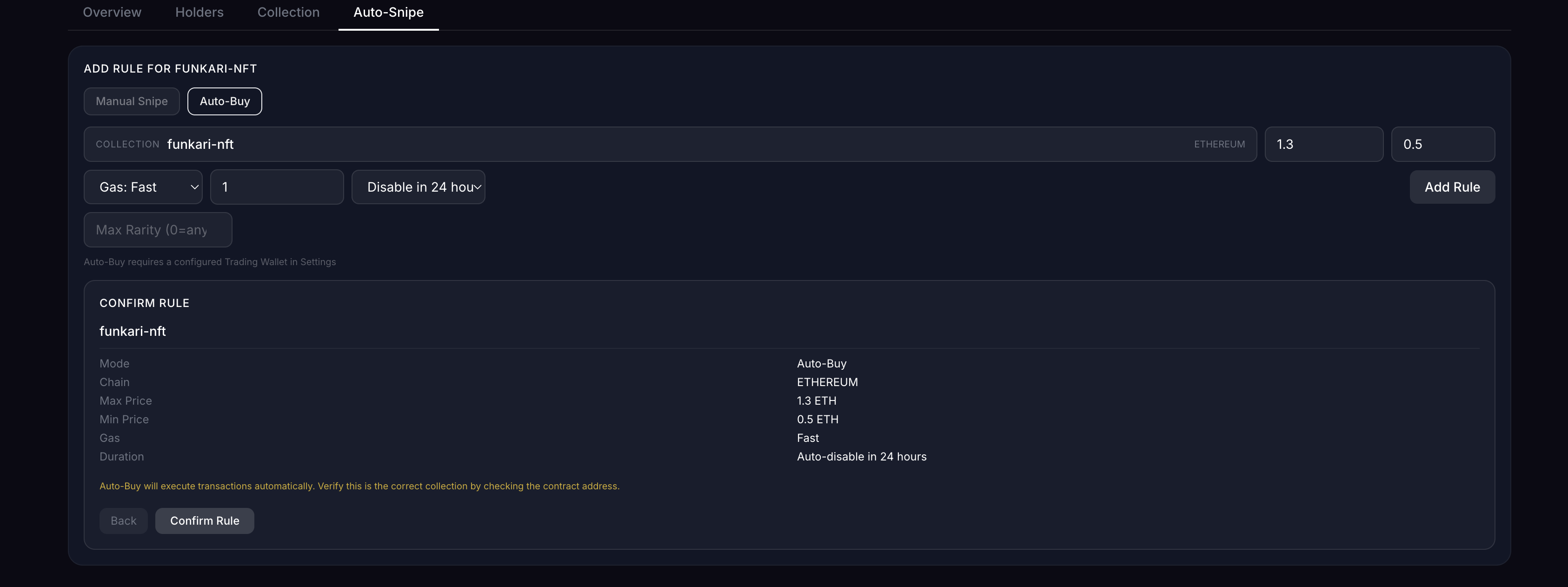
Mode
- Manual Snipe — Daily-Mints alerts you when a listing matches; you click to buy
- Auto-Buy — Daily-Mints fires the buy automatically, no confirmation
Rule fields
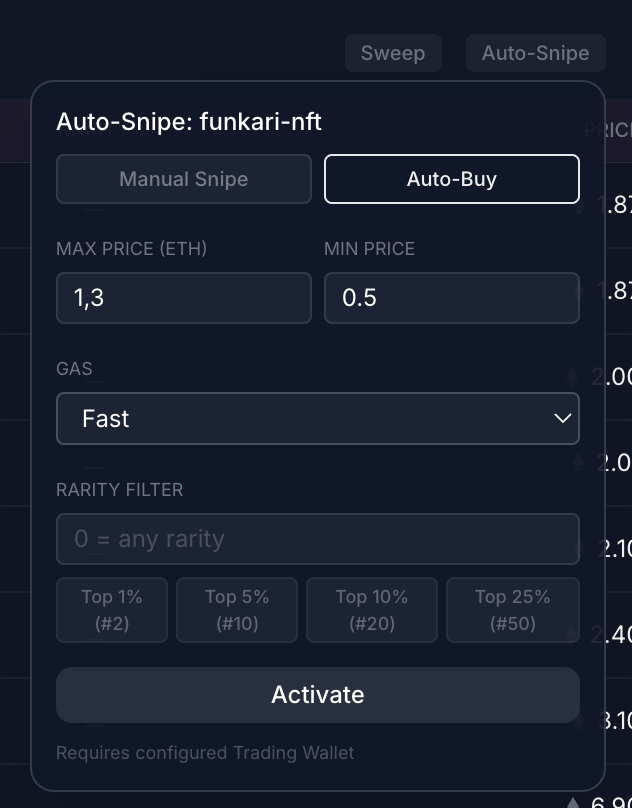
- Max Price (ETH) — hard ceiling per token
- Min Price (ETH) — optional floor; useful for skipping suspiciously cheap listings
- Gas — Suggested, 2×, 3× or Custom (priority + max fee in gwei)
- Max Total — hard cap; the rule disables itself once hit (
0= unlimited). This is the wallet-drain guard — set it as tight as the intent allows. - Disable in … — auto-disable the rule after a chosen duration (1h … 7d, or Forever)
- Rarity Filter — only buy tokens at or below this rank. Quick presets show the absolute count for the collection (e.g.
Top 5% (#10)means rank 1–10)
The Confirm Rule step
After hitting Add Rule, Daily-Mints shows a summary card with everything you just configured plus a yellow warning to verify the contract address. You only commit by clicking Confirm Rule.
This step is your last sanity check — once confirmed and a matching listing appears, the buy fires.
How Disable in … works
The duration cap is the most important safety field — it's what stops a forgotten rule from buying overnight. Two pieces matter:
- Live countdown — the active-rule line shows
Disables in 2h 14m, ticking every 60 seconds. You always know how long the rule has left. - Rolling window, not clock edges — the rule's buy counter slides over the last 60 minutes, not over wall-clock hours. There's no quiet UTC-midnight reset that could fire extra buys.
Re-saving extends the rule. If you hit Save again on an existing rule (with the same or a new duration), Disable in … resets from now — useful to extend a rule mid-flight without cancelling and re-adding.
Behind the scenes a 60-second cleanup task disables expired rules. Even if the cleanup ever stalls, every match still goes through a pre-broadcast TTL check, so an expired rule cannot fire.
Execution Log
Below the rule list, the Execution Log shows the last 50 fires — auto-snipe rule executions and manual buys/sweeps — newest first, refreshed every 10 seconds.
Filter by source:
- All — every app-driven buy (default)
- Auto — only rule-driven fires
- Manual — only manual buys + sweeps you clicked
Each entry links to the tx on the relevant explorer and shows revert reason if the on-chain execution failed.
Sensible defaults
If you've never run Auto-Snipe before:
- Start with Manual Snipe for the first 24 hours
- Set Max Total to 3
- Set Disable in 1 hour so a forgotten rule auto-stops
- Use Suggested gas unless you expect competition
Tighten the rule once you trust it.
Next steps
→ Trading Wallet setup → My Mints — see what Auto-Snipe has scheduled and fired → Glossary